Adding a property to your RocketRent account couldn't be any easier. You can add as many properties as you like and perform all necessary property management directly from your dashboard.
To add a new property:
- Click on Properties once logged into your RocketRent dashboard.
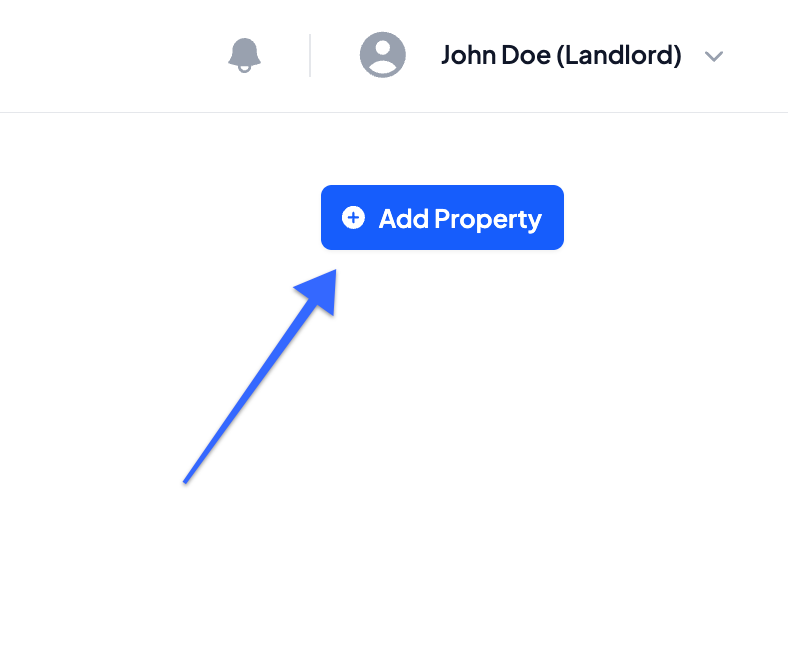
- In the top right hand corner, under your account credentials, click on Add Property
- Select whether the property is a Single Family Residence or a Multi-Family Residence
- Enter all of the property's information
- Property Address
- City, State, Zip Code
- Property Nickname (optional)
- Select whether you'd like to Display the actual Address or Display Nickname of the property
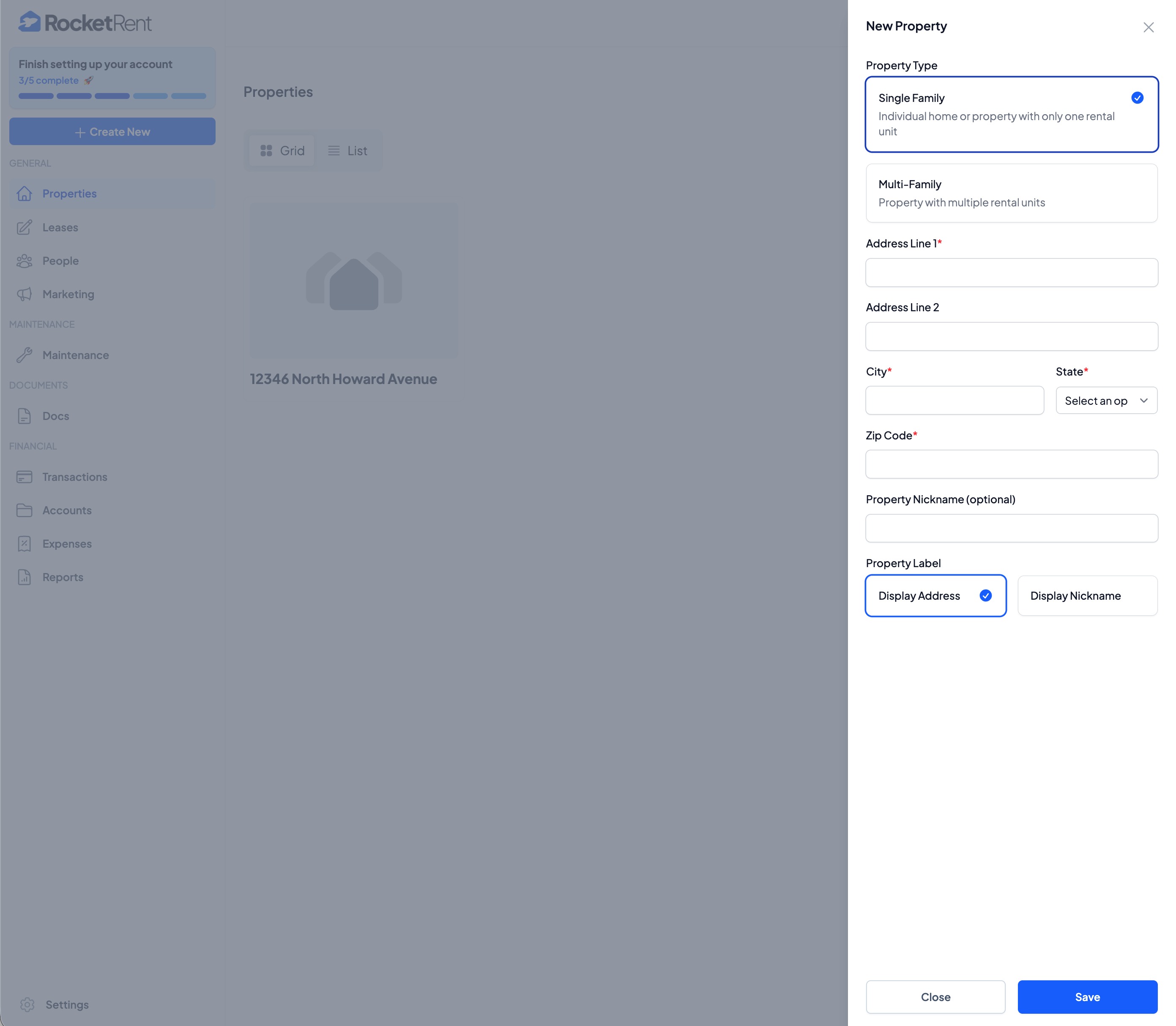
- Be sure to click Save once all information has been entered
Was this article helpful?
That’s Great!
Thank you for your feedback
Sorry! We couldn't be helpful
Thank you for your feedback
Feedback sent
We appreciate your effort and will try to fix the article