With RocketRent, you can add all pertinent property details for your tenant, making it a one-stop shop for property management.
Adding a Property Photo
- From your Properties tab, click on the Edit button next to the property's avatar on the map (gray circle)
- Click to Upload or Drag and Drop a photo file to create your property's main photo
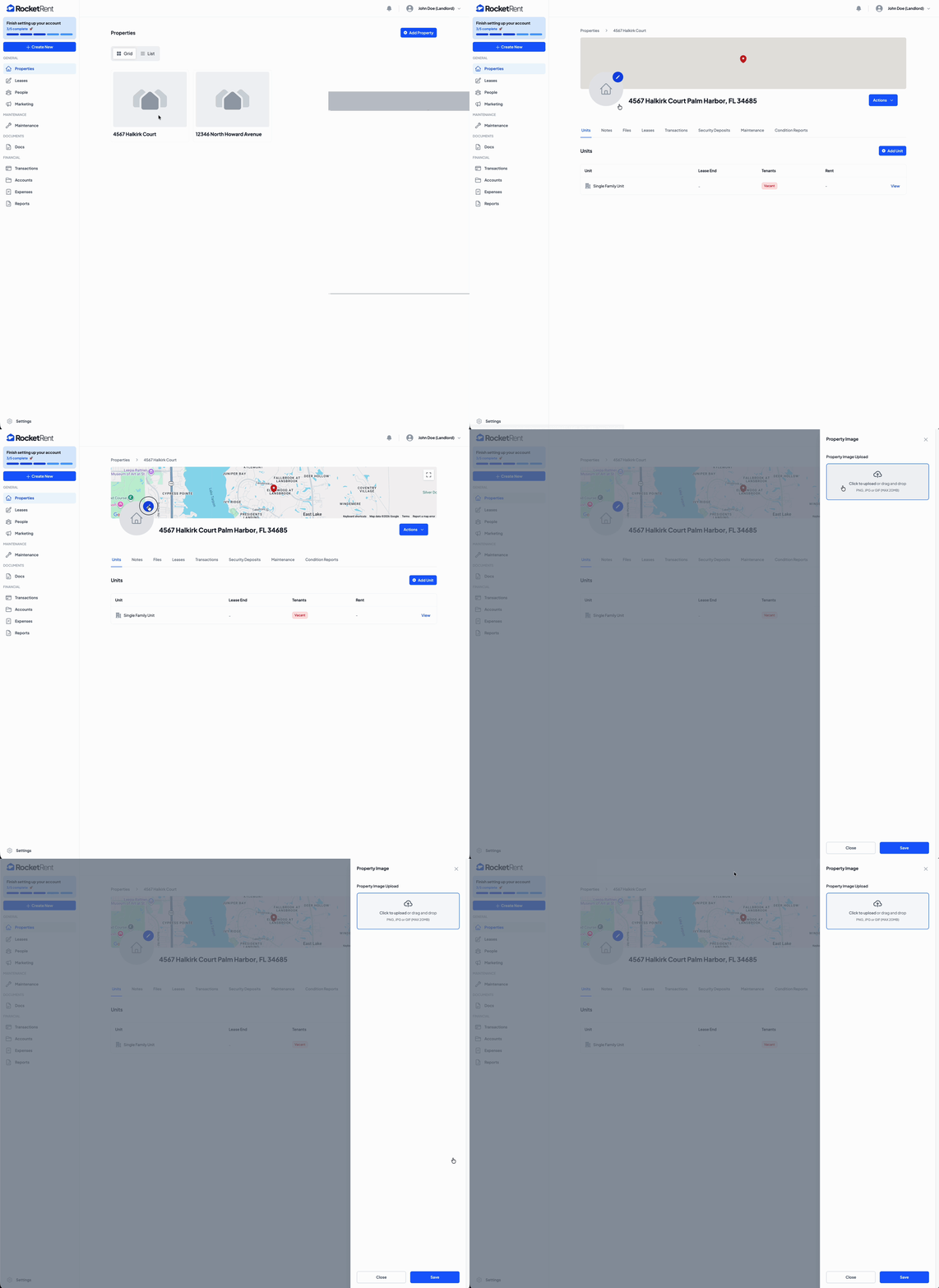
- Click Save
*Property photos can be uploaded as a .PNG, .JPG, or add some flare with a GIF. File size must be under 20 MB.
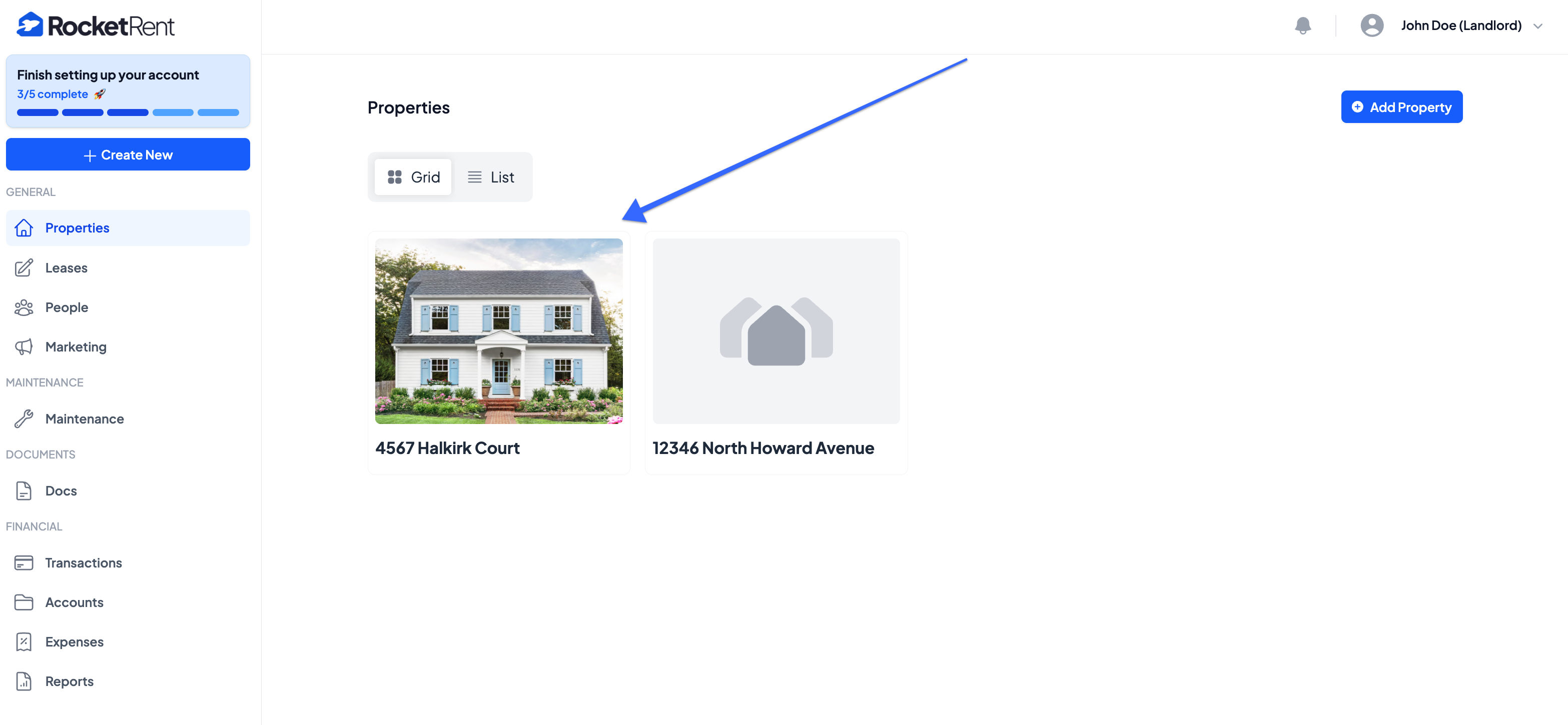
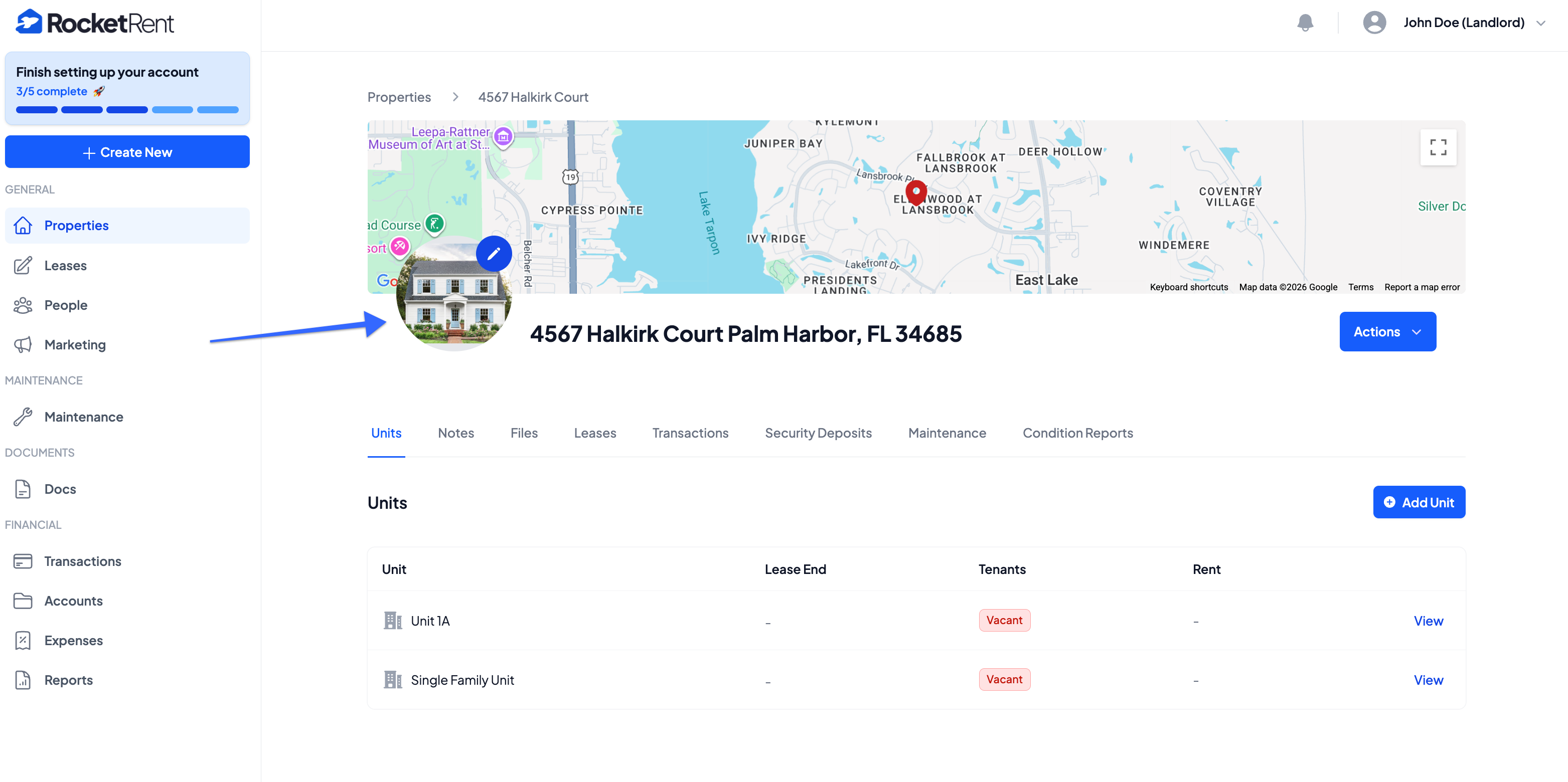
Once your main property photo has been added, you will be able to see it on the Properties page of your dashboard and on the individual property's main homepage.
Was this article helpful?
That’s Great!
Thank you for your feedback
Sorry! We couldn't be helpful
Thank you for your feedback
Feedback sent
We appreciate your effort and will try to fix the article