Once you create the original property with all general information, you can add specific details relating to the property itself.
Steps to Add Multiple Units
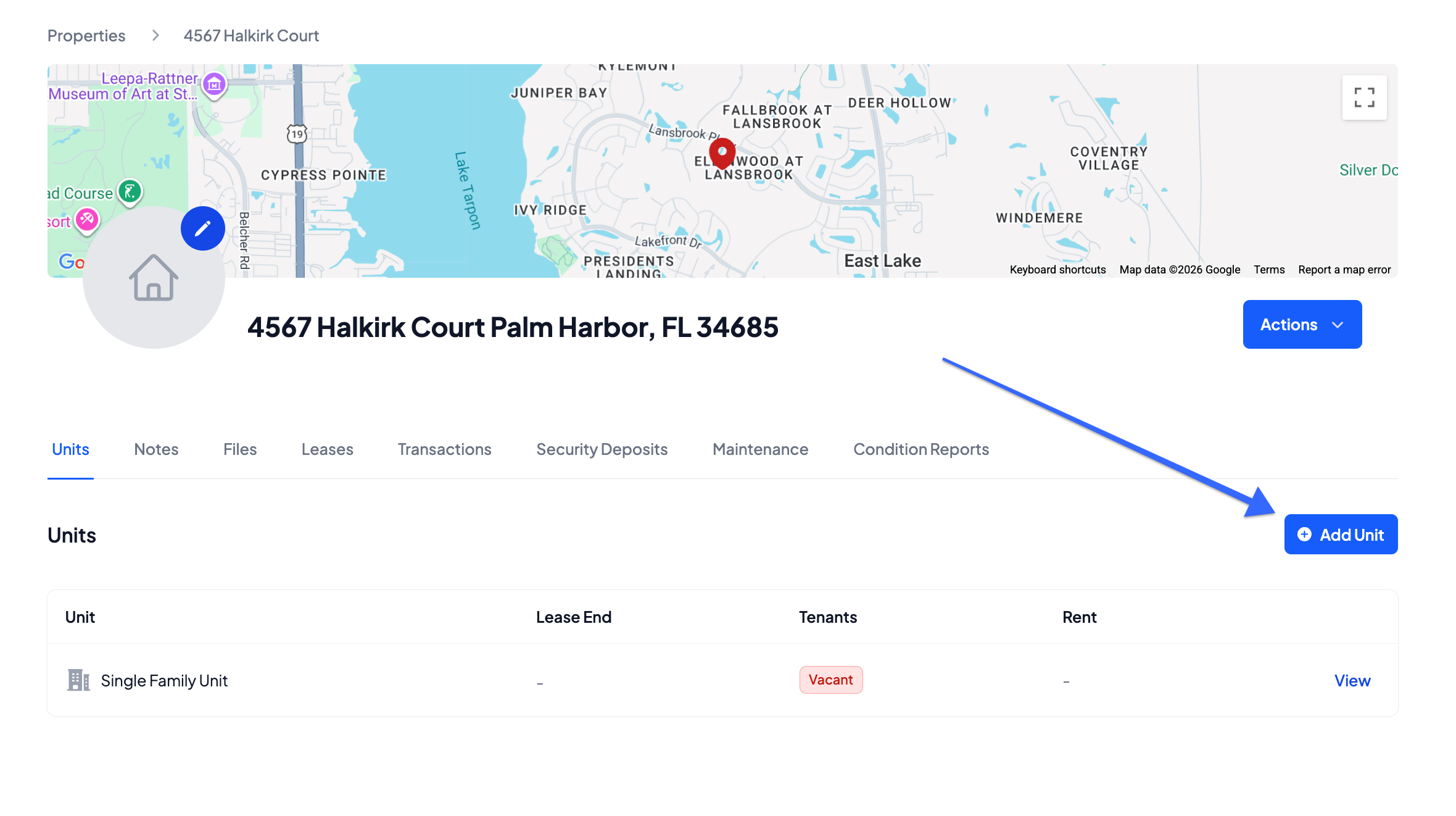
For properties with multiple units, you can add them from the main dashboard of each property
- From the Property page, click Add Unit
- Enter the Unit Name or Apartment Number
- Click Save
You will then be able to add all pertinent information to each of your units by clicking on the View button next to the specific unit.
Was this article helpful?
That’s Great!
Thank you for your feedback
Sorry! We couldn't be helpful
Thank you for your feedback
Feedback sent
We appreciate your effort and will try to fix the article