From your property's homepage, you can add specific notes relating to the property itself or its individual units. This section is typically used to give your tenant information or instructions that are not specified in the other designated property sections.
To add a Property or Unit Note:
- Select your Property from the "Properties" tab in your RocketRent dashboard
- Select Notes
- Click on Add Note
- From the dropdown menu, select the Note Type
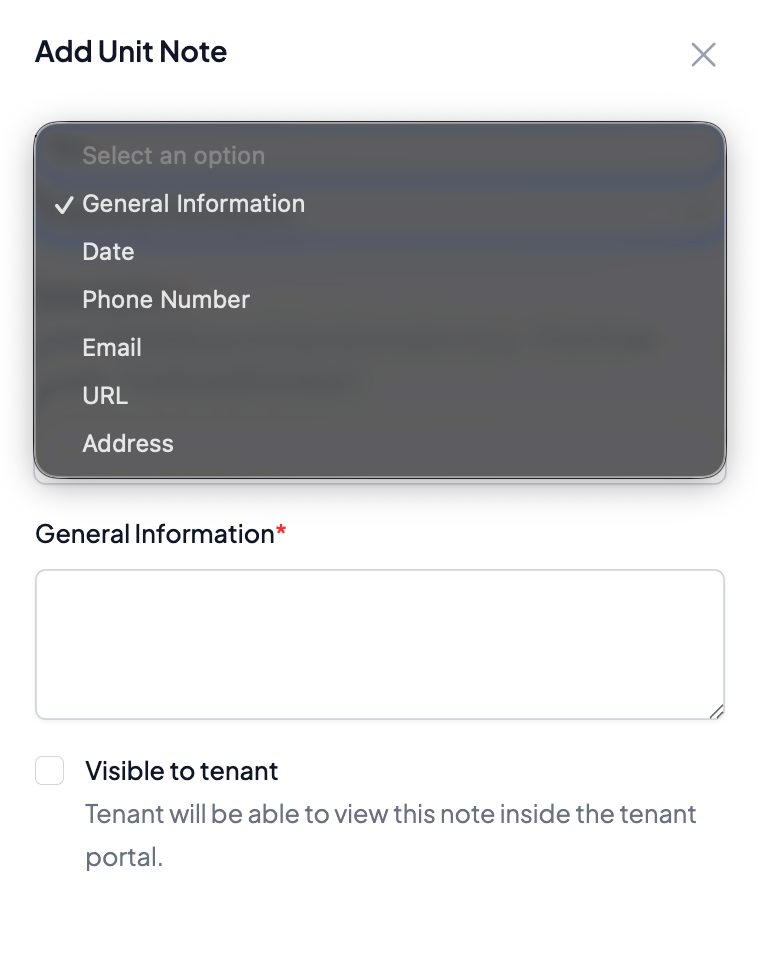
- You have the ability to make this note visible to your tenant or not by clicking on the toggle
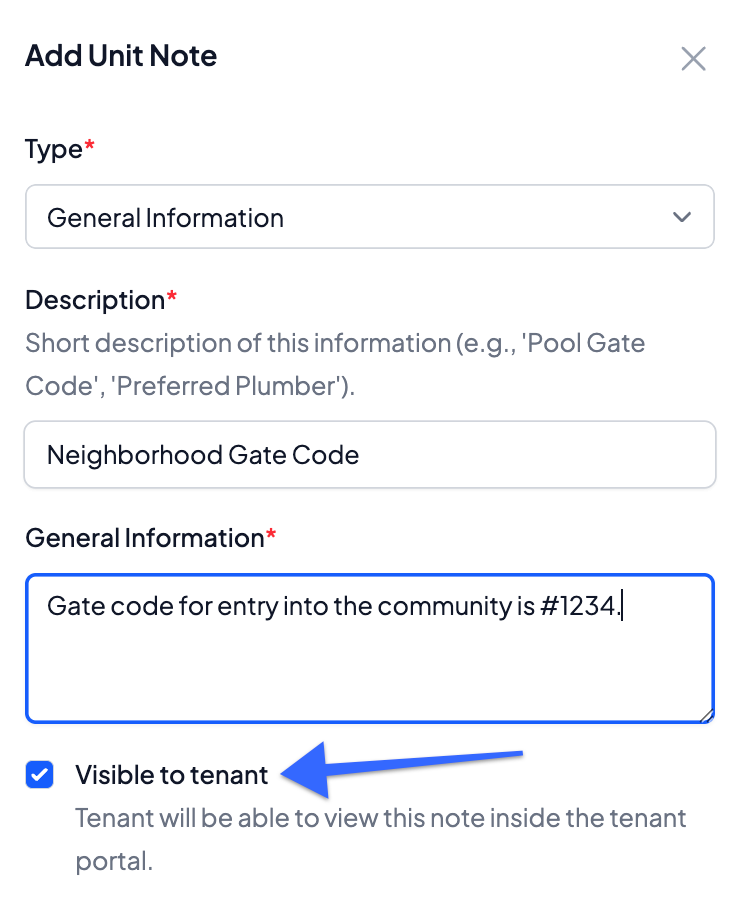
- From the dropdown menu, select the Note Type
- Click Save
You can always edit the information once it's saved in the "Notes" section by clicking Manage. This page also makes it easy to see which notes are visible to your tenants and which are not. 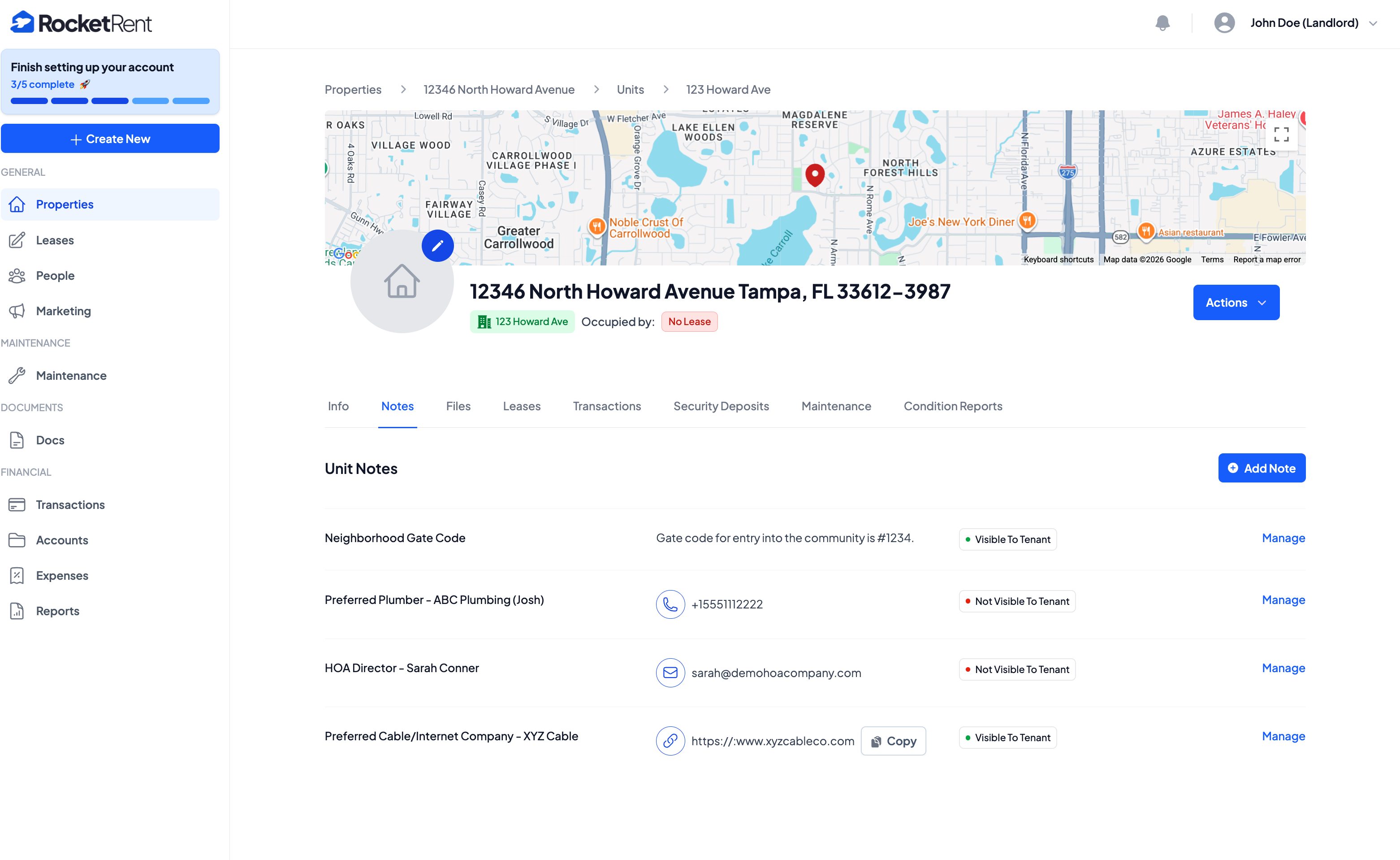
Was this article helpful?
That’s Great!
Thank you for your feedback
Sorry! We couldn't be helpful
Thank you for your feedback
Feedback sent
We appreciate your effort and will try to fix the article