Creating an account with RocketRent is simple. Once registered, you can easily handle all of your property management in one place.
- Rent Collection
- Get Your Rent Faster: Direct Deposit
- All Documents in One Place
- Give Tenants Control - All-in-One Portal
- Streamline Your Maintenance Requests
- Market Your Vacant Properties
- Paperless Applications and Leasing
- Simplified Expense Tracking
- Scalable Property Management
To Create an Account:
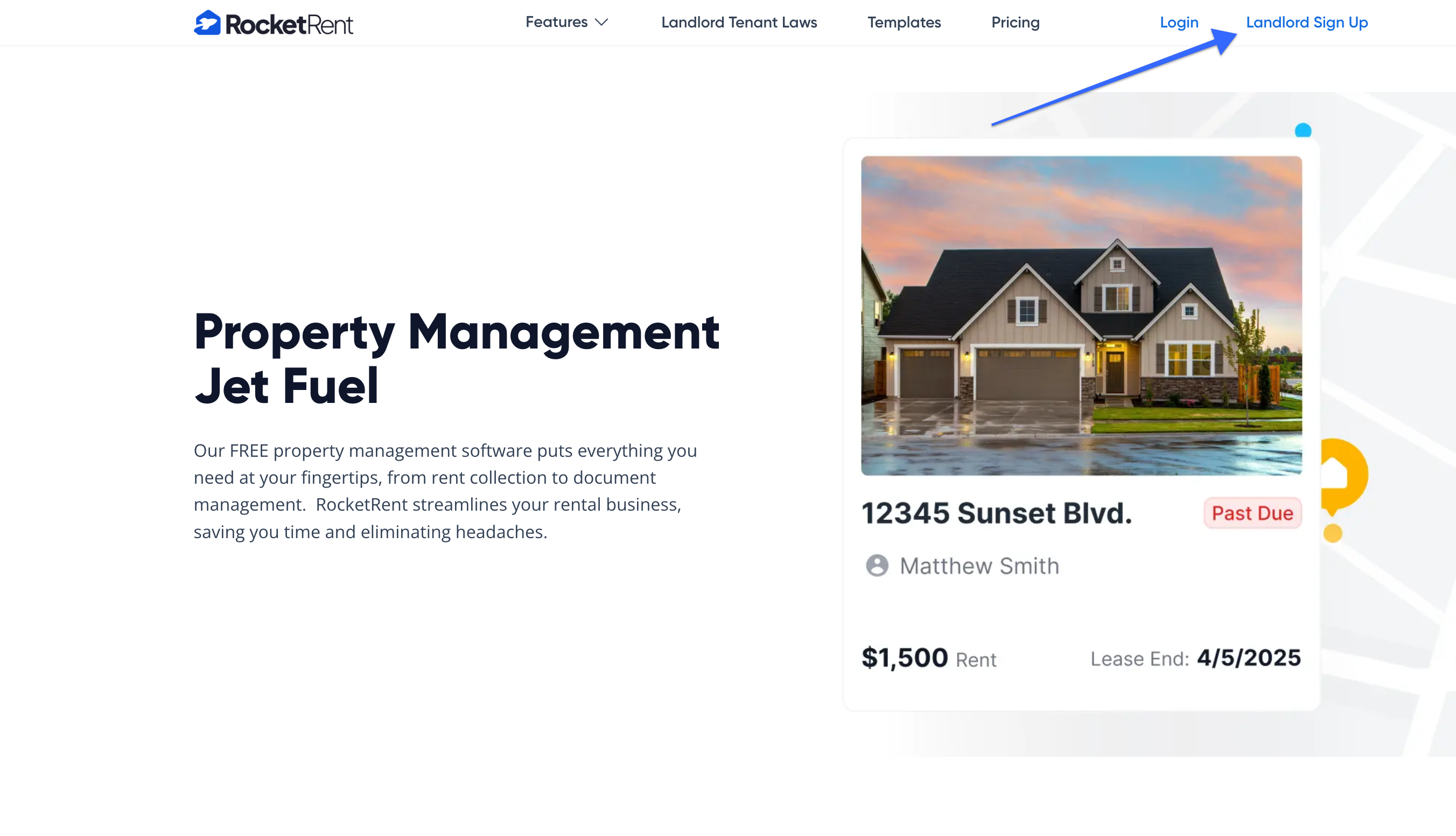
1. Click on Landlord Sign Up from the RocketRent.com home screen.
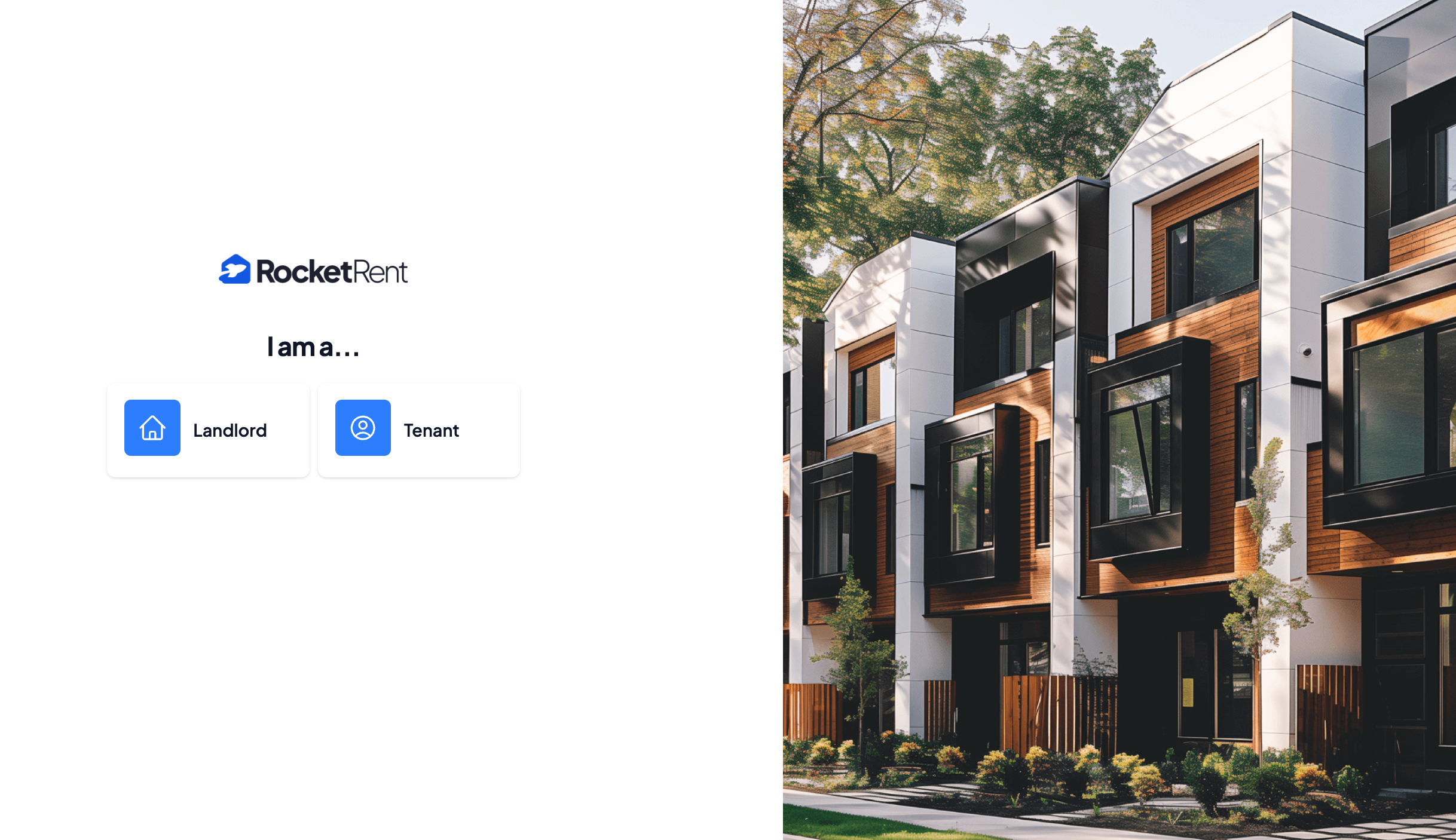
2. Click I'm a Landlord
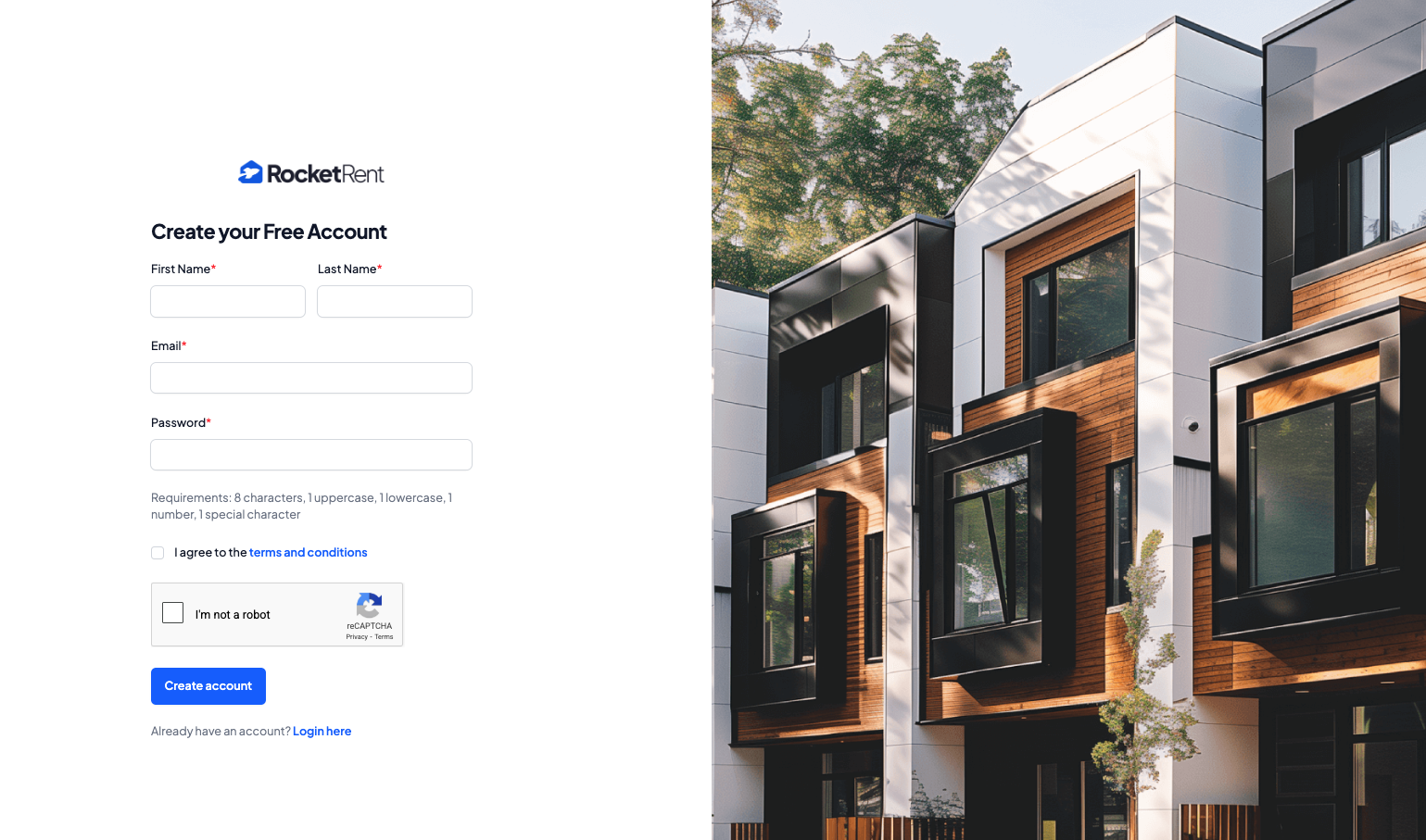
3. Fill out your Name, Email Address, and Create a Password
4. Click Create Account
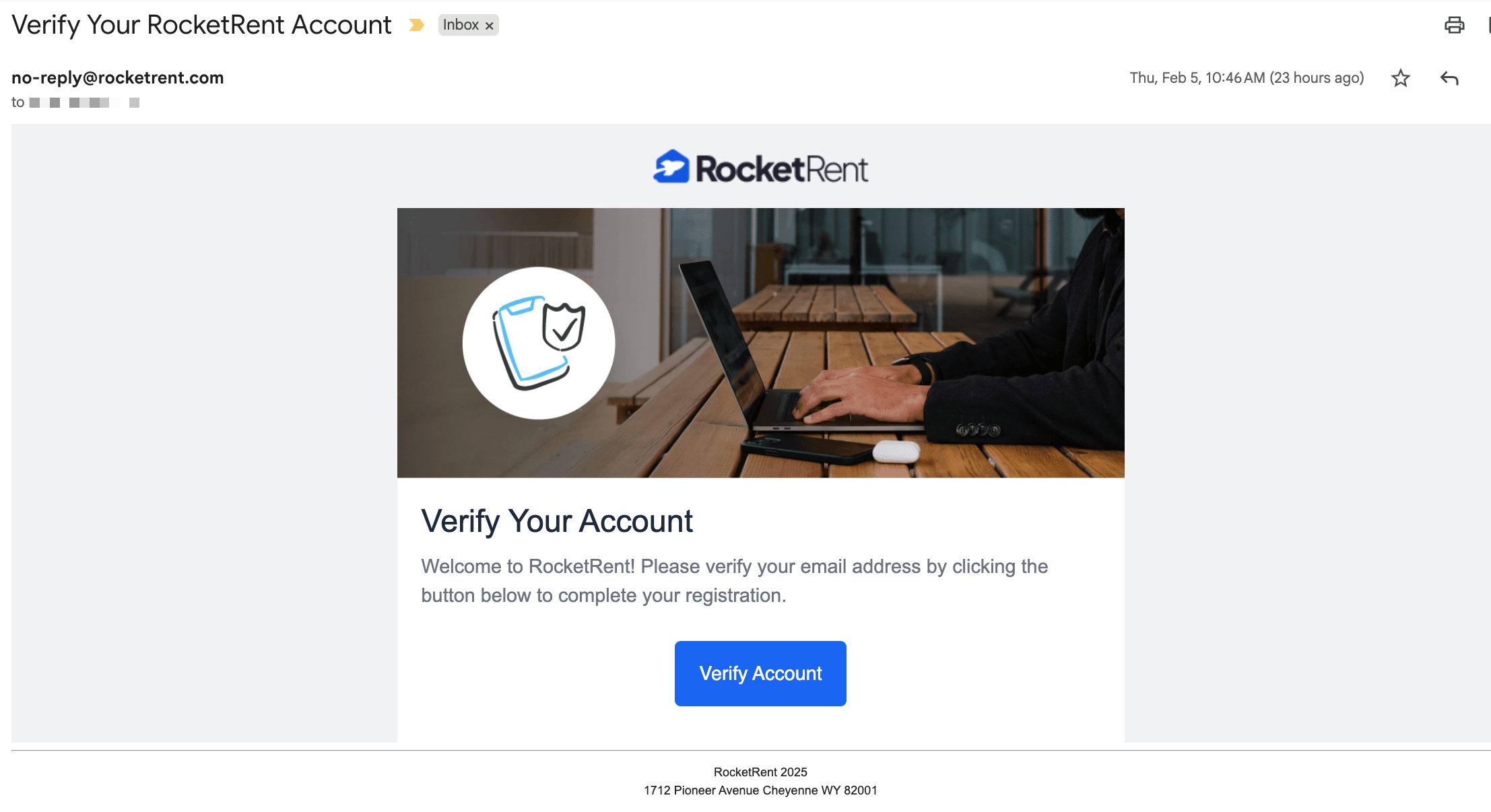
5. Once registered, Check Your Email to verify your account.
Was this article helpful?
That’s Great!
Thank you for your feedback
Sorry! We couldn't be helpful
Thank you for your feedback
Feedback sent
We appreciate your effort and will try to fix the article